Download the files you bought
For people who bought a digital product from a store that uses Vipter. Where to find the download links, how many times you can download and what to do when a link doesn't open.
When you buy a product with files, such as an e-book or a template pack, the download links show up in up to three places. The files belong to the store: Vipter checks that your purchase is still valid and takes you to them.
Where the links are
On the confirmation page
Right after the payment, the confirmation page shows the "Your downloads" card, with a "Download" button for each file.
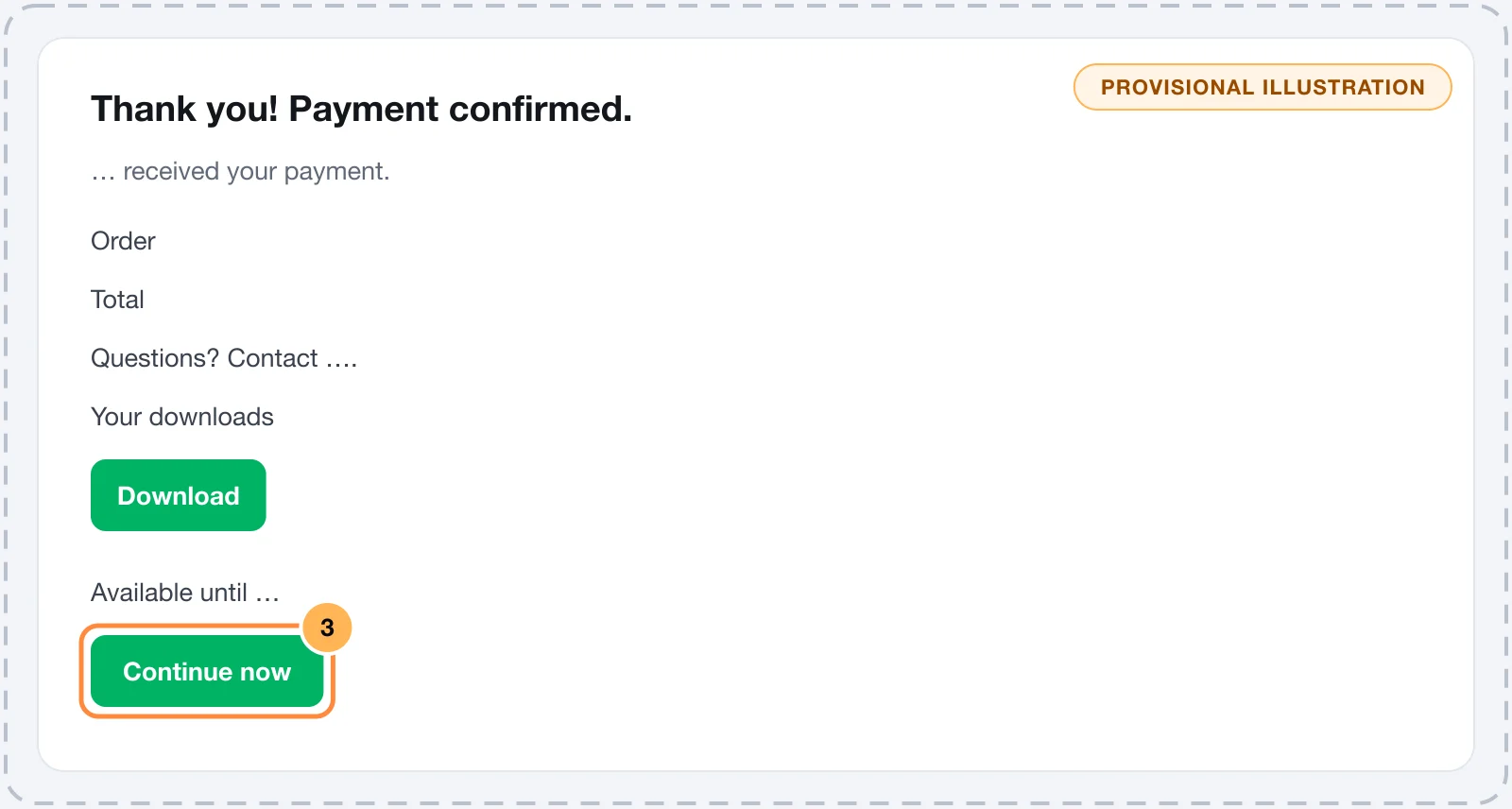
The links only show in the browser where you paid. If you open the confirmation page on another device, it says the links were released to the buyer and points you to the customer area.
With PIX, the links show as soon as the payment is confirmed.
In the confirmation e-mail
If the store sends e-mails, the order confirmation has the same links, under "Your downloads". Keep this e-mail.
In the customer area
If the store has a customer area, the menu shows "Downloads", with the files from all your purchases, the date of each purchase and the order number. See Sign in to the customer portal.
Limits and deadlines
Each store sets the rules for its files:
- Deadline: when access has a deadline, the link shows "Available until" and the date. The deadline counts from the payment.
- Download limit: the store can limit how many times you download each file. Save the file on your device as soon as you download it.
If the order is refunded or charged back on the card, the links stop working.
When the link doesn't open
A link that can't be used shows the "Download unavailable" page, with the reason:
| What the page says | What to do |
|---|---|
| This download link does not exist or is incorrect. | Copy the full link again, from the e-mail or the customer area. |
| Access to this download has ended. | The store ended the access. Contact the seller. |
| The period to download this file is over. | The deadline has passed. Contact the seller if you need the file. |
| You reached the download limit for this file. Contact the seller. | You have already downloaded it the maximum number of times. Contact the seller. |
| The order linked to this download is no longer active. | The order was refunded, canceled or not paid. Contact the seller. |
| Too many attempts in a short time. Wait a minute and try again. | Wait a minute and click again. |
If the link opens but the file doesn't load or asks you to sign in, the problem is where the store keeps the file, such as Google Drive or Dropbox. Contact the seller so they can fix the sharing.
What to do next
- Contact the seller for any problem with the file's content.
Change card or plan, or cancel your subscription
For people subscribed to a product from a store that uses Vipter. Change the card, switch plans, cancel or reactivate the subscription in the customer area.
Contact the seller
For people who bought from a store that uses Vipter. Where to find the store's contact and why questions about the product, delivery and refunds go to the store.