Payment under review or declined
For buyers. What to do when the payment stays under review, when the card is declined, and what each message on the payment page means.
This page explains the messages the payment page shows when something doesn't go as expected. If the payment wasn't approved, the purchase isn't completed and you can try again.
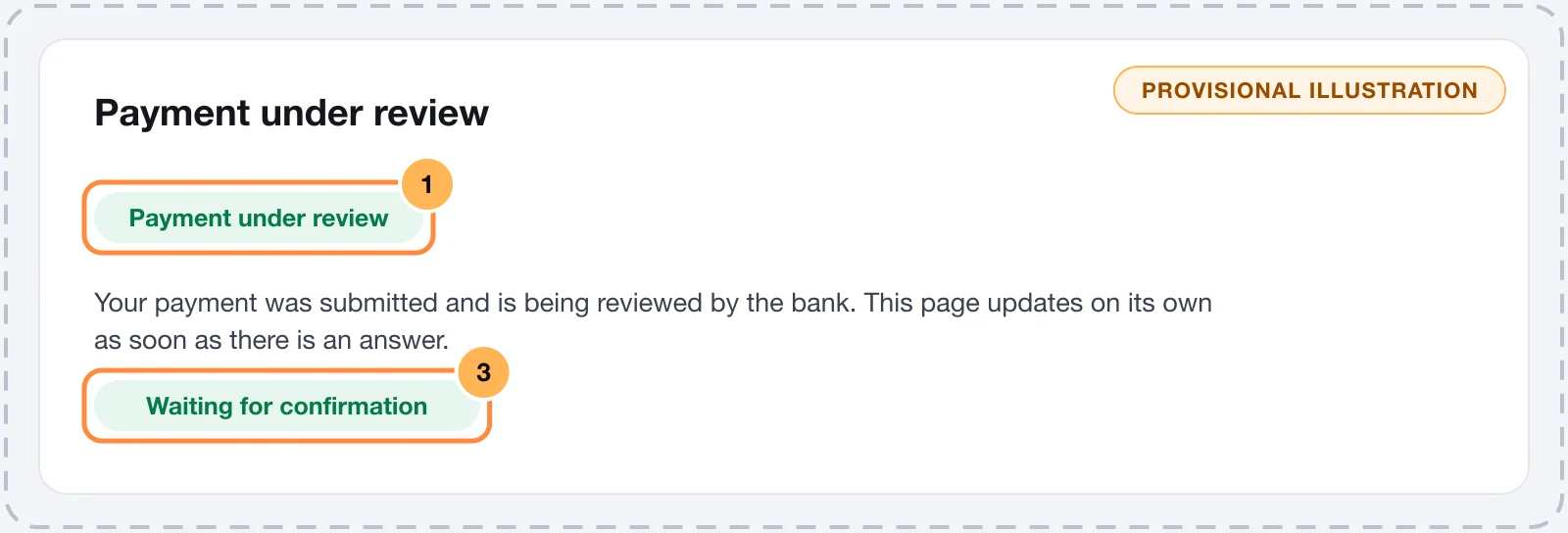
Payment under review
Sometimes, after paying by card, the page shows "Payment under review". The payment was sent and the bank or the anti-fraud system is still checking it.
- Don't try to pay again on another page while the review isn't finished.
- You can leave the page open: it updates by itself when the answer arrives and moves on to the confirmation.
- If the review takes long, the page tells you. When the store sends e-mails, you can close the page: the confirmation arrives by e-mail when the payment is approved.
- Some reviews take up to two business days. If the payment is declined in the end, nothing is charged.
Card declined
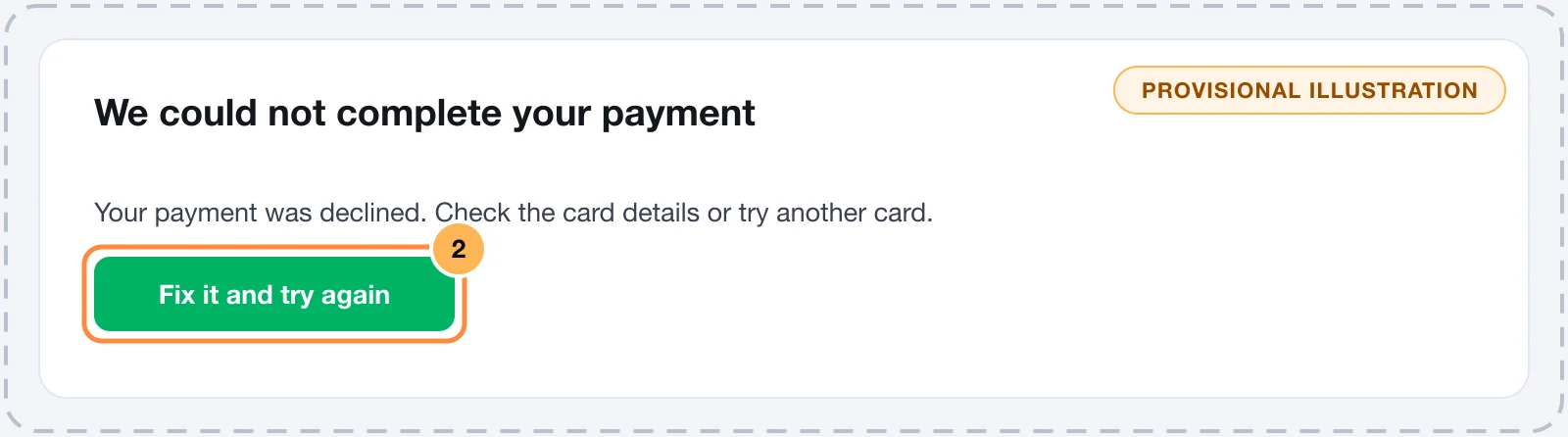
When the bank doesn't approve, a "We could not complete your payment" dialog explains the reason. Click "Fix it and try again": everything you typed stays filled in.
| What the page says | What to do |
|---|---|
| Your payment was declined. Check the card details or try another card. | The bank declined without giving details. Check the details, see whether the card has available credit and is enabled for online purchases, or use another card. Your bank knows the exact reason. |
| A card field is still missing. | Check the number, the expiry date and the CVV. |
| The card details don't match. | A number is wrong. Type the number, the expiry date and the CVV again. |
| This card has expired. | Check the expiry date or use another card. |
| We do not accept this card brand. | The store doesn't accept this card brand. Use a card from another brand or pay with PIX, if available. |
| Enter a valid document. | The CPF or CNPJ (Brazilian taxpayer IDs) has a wrong digit. Correct the document in your details. |
| Installments are not available at this store right now. | Choose to pay in full and try again. |
| Payment failed. Please try again. | Something went wrong while sending. Try again in a few moments. |
Problems with the order
These messages have nothing to do with the card, but with the order:
| What the page says | What to do |
|---|---|
| We could not reach the server. | Your connection dropped. Check your internet and try again: the order is still on the page. |
| We do not sell to the selected country. | The store doesn't sell to this country. Check the country in your details. |
| We do not deliver to the selected country. or We do not deliver to this address. | The store doesn't deliver to this address. Check the address or use another one. |
| Choose a shipping method. | Choose one of the shipping options below the address. |
| One of the coupons is no longer valid. | Remove the coupon and try again. |
| The total is below the minimum charge. | Remove the coupon and try again. |
| This pack is no longer available. or One of the add-on offers is no longer available. | The store changed the offer. Reload the page. |
| This store cannot take payments in this currency. | Change the currency in the order summary, if there is another one, or contact the store. |
| No payment method is available for this merchant right now. | The store isn't taking payments right now. Contact the store. |
| We could not start the payment right now. | Your details are fine. Try again in a moment or contact the store. |
Checkout expired
The payment page is valid for 24 hours. After that, you see "This checkout stayed open for too long and expired." Click "Start a new checkout": your details stay filled in and you pay as usual. If the page says "This checkout has expired. Reload the page to continue.", reload the page.
PIX expired
If the PIX code expires before you pay, the page tells you. Reload the page and generate a new code. Don't pay an expired code.
Offer after the purchase declined
If you accepted a special offer after the purchase and the card didn't authorize this new charge, the page tells you it couldn't be completed. Your original purchase stays confirmed.
Still having trouble?
Tried more than once and it didn't work? Contact the seller. To find out why the card was declined, also talk to the bank that issued the card.
How to pay: card, installments and PIX
For people buying from a store that uses Vipter. See how to fill in your details, pay by card, split into installments and pay with PIX.
Sign in to the customer portal
For people who bought from a store that uses Vipter. Sign in to the customer area with your e-mail and a 6-digit code, no password.