Integrations: what connects to what
Get to know Vipter's Integrations page, what each section connects and where each card takes you.
GeneralIntegrations brings together everything Vipter connects besides payments: ad and analytics platforms, WhatsApp automations, e-mail, invoices and member areas. Conversion tracking, analytics, automations, e-mail, invoices and member areas connected to your checkout.
Payment providers are not here. They are under PaymentsProviders; see how payments work.
Before you start
- The Admin or Owner role in the project. The Sales role does not see the Integrations item in the menu.
How to read a card
Each card has the name, one sentence about what the integration does and, below, its state:
- A green dot means the integration is active. Gray means it is not set up or is turned off.
- Not configured shows while nothing has been saved.
- Once set up, the line shows a summary: a pixel's accounts and products, the number of webhook endpoints, an automation's recent deliveries, the invoices issued or a member area's rules.
Click the card to open the integration.
Conversion tracking
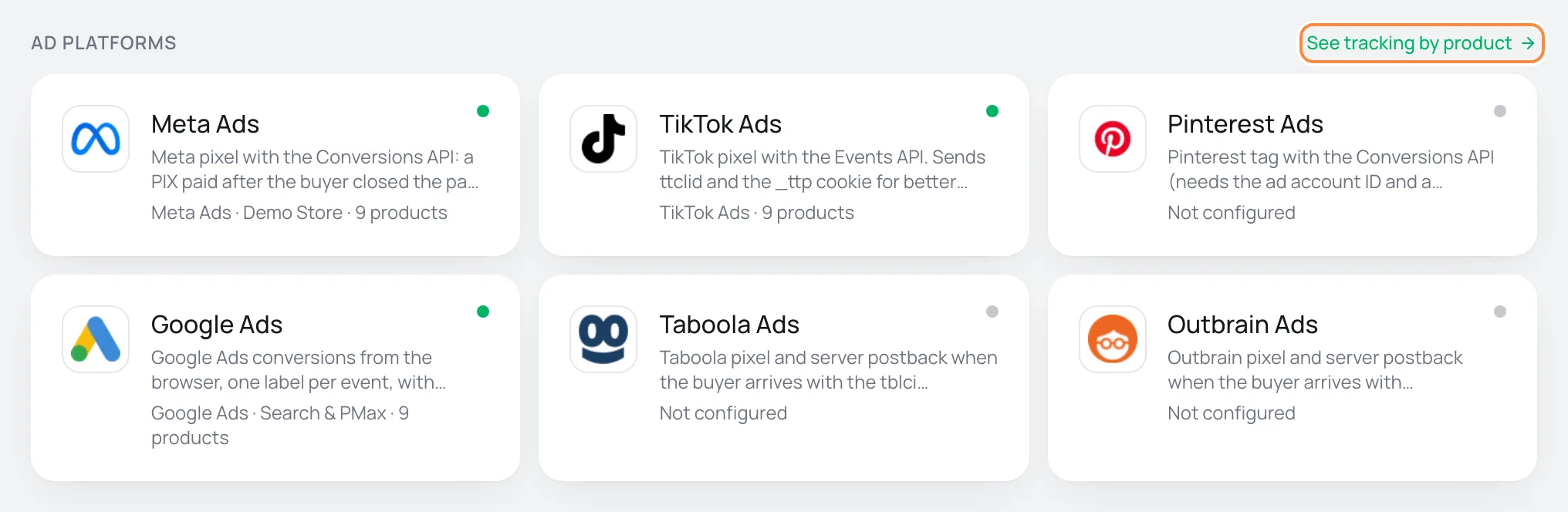
The first three sections are the tracking platforms. They lead to the same screens as GeneralConversions:
- For a platform without accounts, the card opens the connection directly, and when you finish you go back to Integrations.
- For a platform with accounts, the card opens its list of accounts, where you manage them or connect another one.
- See tracking by product opens the table of products and accounts.
| Section | Platforms |
|---|---|
| Ad platforms | Meta Ads, TikTok Ads, Pinterest Ads, Google Ads, Taboola, Outbrain |
| Analytics and tag managers | Google Analytics 4, Google Tag Manager, Plausible, Fathom |
| Sales attribution | Utmify |
To understand accounts, products and sending from the server, start with how conversion tracking works. The general options are in what to send, UTM script, cookie consent and activity.
Automations
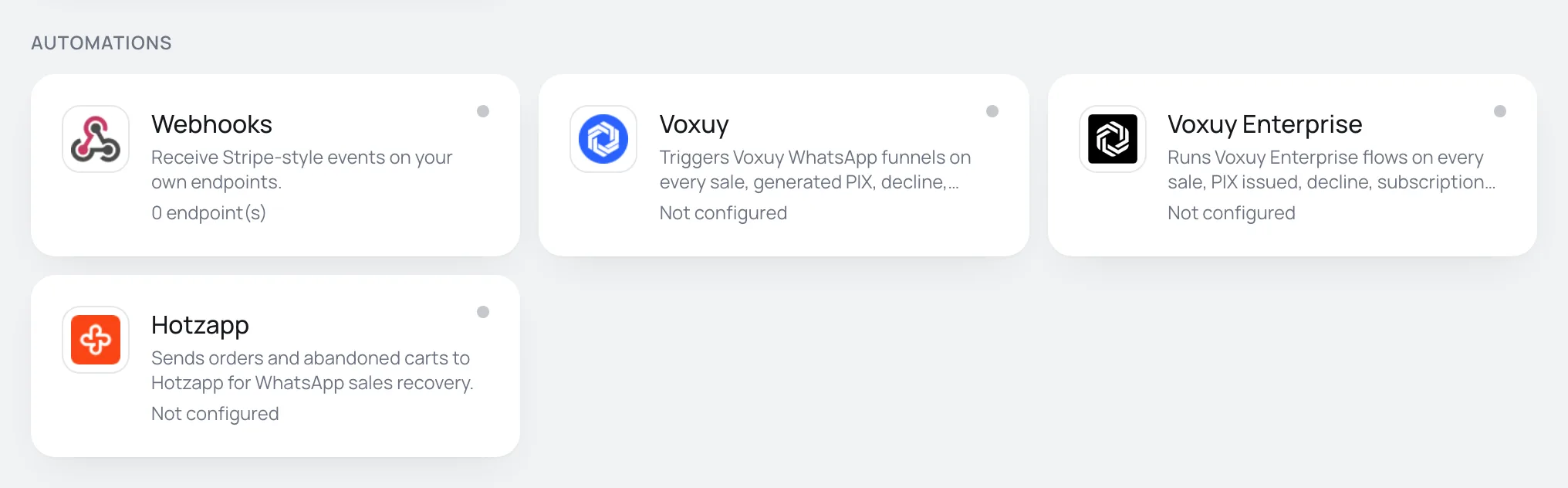
| Card | What it is for |
|---|---|
| Webhooks | Receive Stripe-style events on your own endpoints. For those who have their own system. See webhooks. |
| Voxuy | Triggers Voxuy WhatsApp funnels on every sale, generated PIX, decline, subscription event and abandoned cart. See Connect Voxuy. |
| Voxuy Enterprise | Runs Voxuy Enterprise flows on every sale, PIX issued, decline, subscription and abandoned cart. Its own contract, with a flow id per event. See Connect Voxuy Enterprise. |
| Hotzapp | Sends orders and abandoned carts to Hotzapp for WhatsApp sales recovery. See Connect Hotzapp. |
The events, rules and deliveries of the three tools work the same way: see how automations work.
The E-mail section connects the provider that sends e-mails to buyers from your domain: SendGrid, Postmark, Mailgun, Resend or SMTP. Only one provider is active at a time. The connected card shows the sender and the connection state.
The Set up e-mails link takes you to the settings for which e-mails are sent. Start with e-mails to buyers and authenticate your e-mail domain.
Invoices
The Invoices section issues the invoice (the Brazilian nota fiscal) when the order is paid and can cancel it on refund: Notazz, eNotas or PlugNotas. The card shows how many invoices were issued. See how invoices work.
Member areas
The Member areas section grants access to the course after the purchase and removes it on refund or cancellation: MemberKit, Cademí or Membox. The card shows how many access rules exist. See how member areas work.
What to do next
- Selling with ads? Connect Meta Ads and paste the UTM script on your sales page.
- Selling a course? Turn on a member area.
- Need the events in your own system? Use webhooks.
Commissions and seller links
Follow each seller's sales and commissions, share links that attribute the sale and understand how the commission is calculated and reversed.
How conversion tracking works
Understand accounts, products, browser and server delivery, and Vipter's Conversions screens before you connect Meta, Google or another platform.